Keyframe Timeline
Image to video with FLUX 3 Video: place up to ten images along the clip, each the frame at its second.
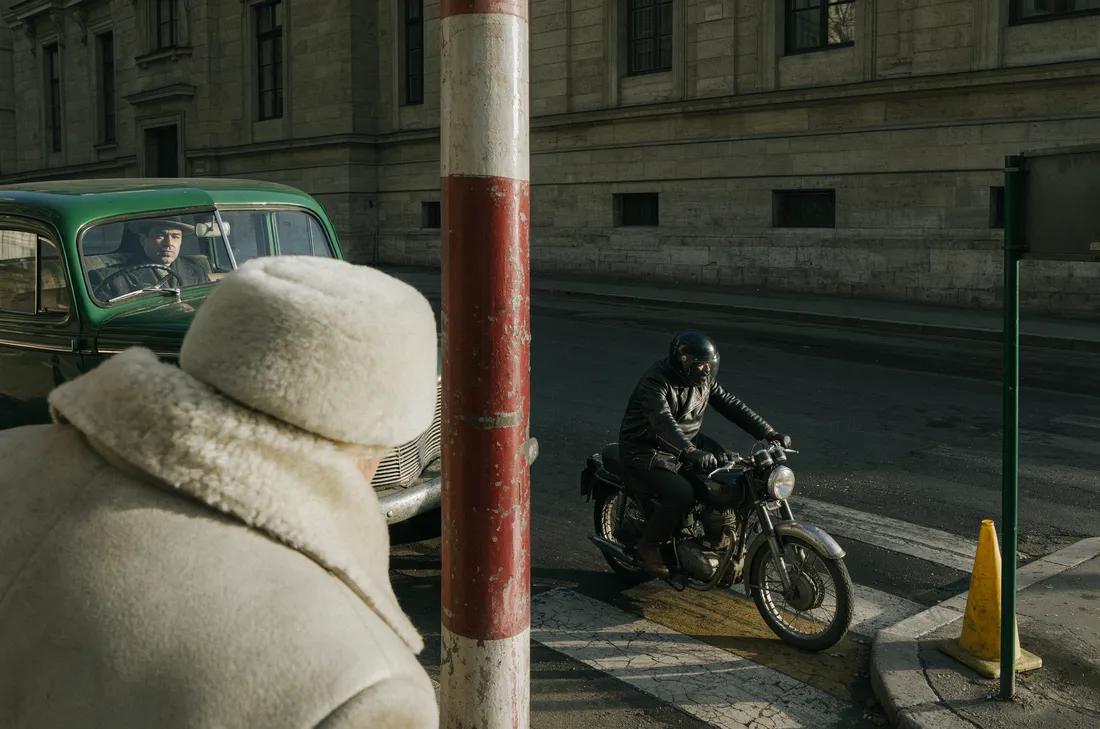 0s
0s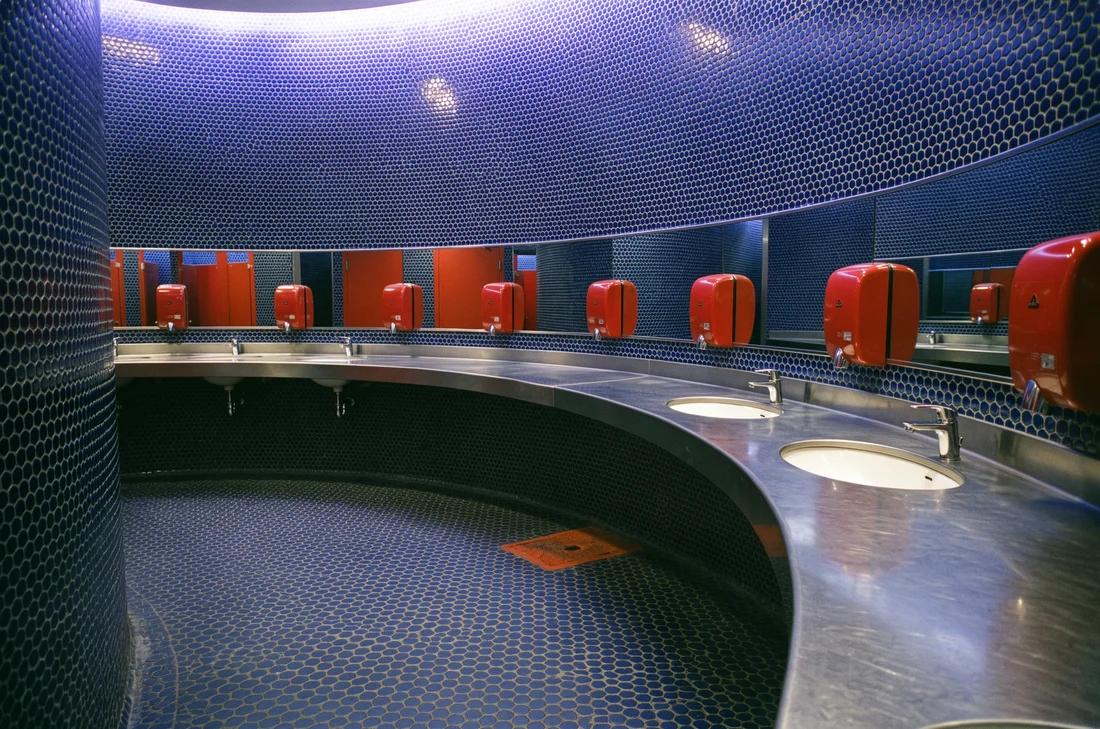 4.5s
4.5s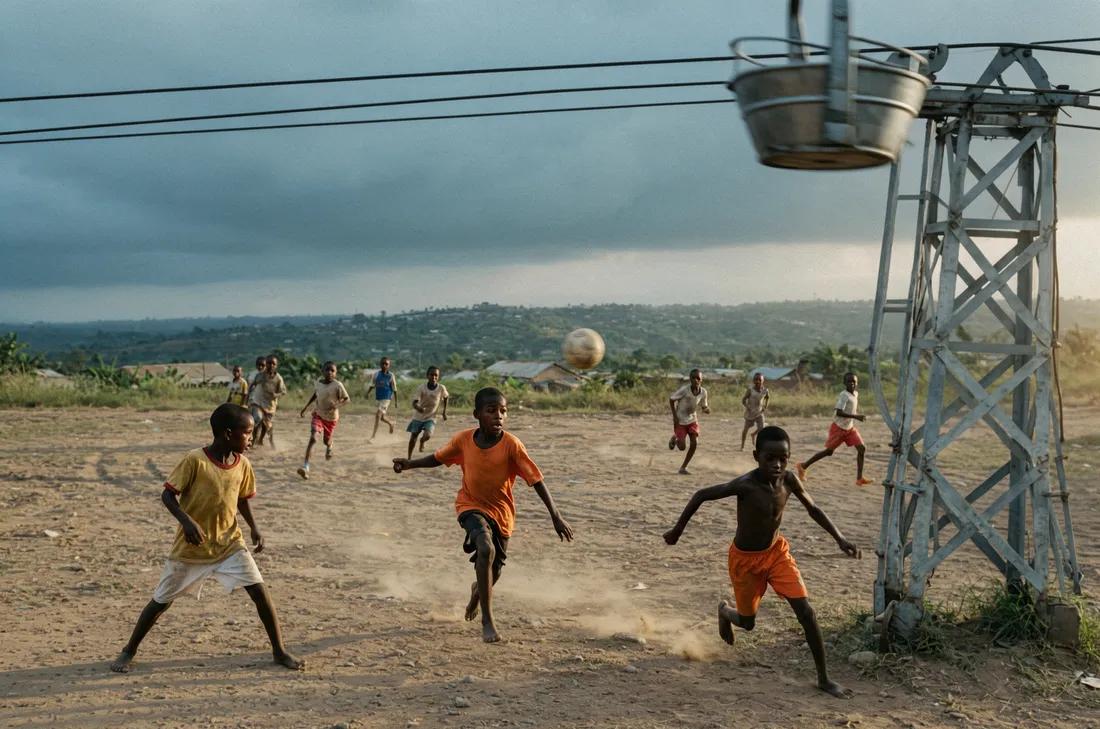 10s
10sIn use
Above the Video Studio's prompt. Drop images on it, or take a frame from a finished clip with Use frame.
Your image will appear here
Your image will appear here
Your image will appear here
Your image will appear here
Paint over what to change. Tab reaches the marks: arrow keys move one, Enter edits its note, Delete removes it.

Your video will appear here
Installation
pnpm dlx shadcn@latest add https://mgp.paukraft.com/r/keyframe-timeline.jsonKeyframeTimeline
Drag a frame to retime it, or focus it and use the arrow keys (Shift for whole seconds, Home and End for the ends). The Duration Picker sets its length; send { mode: "i2v", duration, keyframes: await toKeyframes(timeline.keyframes) }.
| Prop | Type | Default |
|---|---|---|
| keyframes | VideoKeyframe[]Reference images with a time in seconds, in time order. From useKeyframes. | — |
| length | numberSeconds the track spans: the duration, or 20 while Auto. | — |
| step | numberSnapping in seconds, for dragging, arrow keys and drops. | 0.5 |
| max | numberHides adding once reached. FLUX 3 Video takes 10. | Infinity |
| onAdd | (files: File[], time?: number) => voidFiles dropped on or picked by clicking the track, at that second; from the add button, with no time. Omit to hide adding. | — |
| onMove | (id: string, time: number) => voidA frame retimed to a free second. Omit to disable dragging and arrow keys. | — |
| onRemove | (id: string) => voidThe corner button, or Delete on a focused frame. | — |
| itemLabel | stringPrefix of each frame's accessible name, as in "Keyframe 2". | "Keyframe" |
useKeyframes
Keyframes as state, spread onto the timeline. Picked files become object URLs, released when removed.
| Prop | Type | Default |
|---|---|---|
| duration | number | "auto"From the Duration Picker. Shortening it holds later frames at the end, keeping their times for when it grows again. | "auto" |
| max | numberMost frames, REFERENCE_LIMITS.flux3Video. | 10 |
| step | numberSnapping, in seconds. | 0.5 |
| initial | VideoKeyframe[]Frames to start with. | [] |
| onAdd | (items: (File | ReferenceImage)[], time?: number) => voidAlso takes images from elsewhere, like a reference tray or a picked result. Without a time, frames go at the start, then the end, then the middle of the widest gap; while Auto, 5 s past the last. | — |
Helpers
| Prop | Type | Default |
|---|---|---|
| toKeyframes | (keyframes: VideoKeyframe[]) => Promise<[number, string][]>The API's keyframes: [seconds, image] pairs in time order, files as data URLs. | — |
| autoDuration | (keyframes: VideoKeyframe[]) => numberWhere a duration: "auto" clip ends: the last frame's second rounded up, 5 to 20. For quoting its cost. | — |